How to curve text – Boda Games Tutorials
Curve text: what does it mean and why is it important? One of the great things about a board game, is that it is literally a blank slate. Game designers and artists take this blank slate and fill it with artwork, bringing the paper components to life. When you have a great theme and beautiful artwork, the next step is to use a font for all the text that matches with it perfectly. A lot of game designers and artists look beyond the standard font types available in programs like Adobe Illustrator to find the perfect fit for their game.
Custom fonts
Custom fonts can be found and purchased online, or even created by the artist himself. Using custom fonts can, however, lead to complications when preparing the files for printing. Boda Games has prepared a video tutorial showing the problem that can occur when using custom fonts. After that, we show you the solution to this problem. By curving the text before exporting the file as a .PDF file, you can avoid this problem. And ensure that your files appear the same way at our graphics department as you originally made them.
Problem: font not available
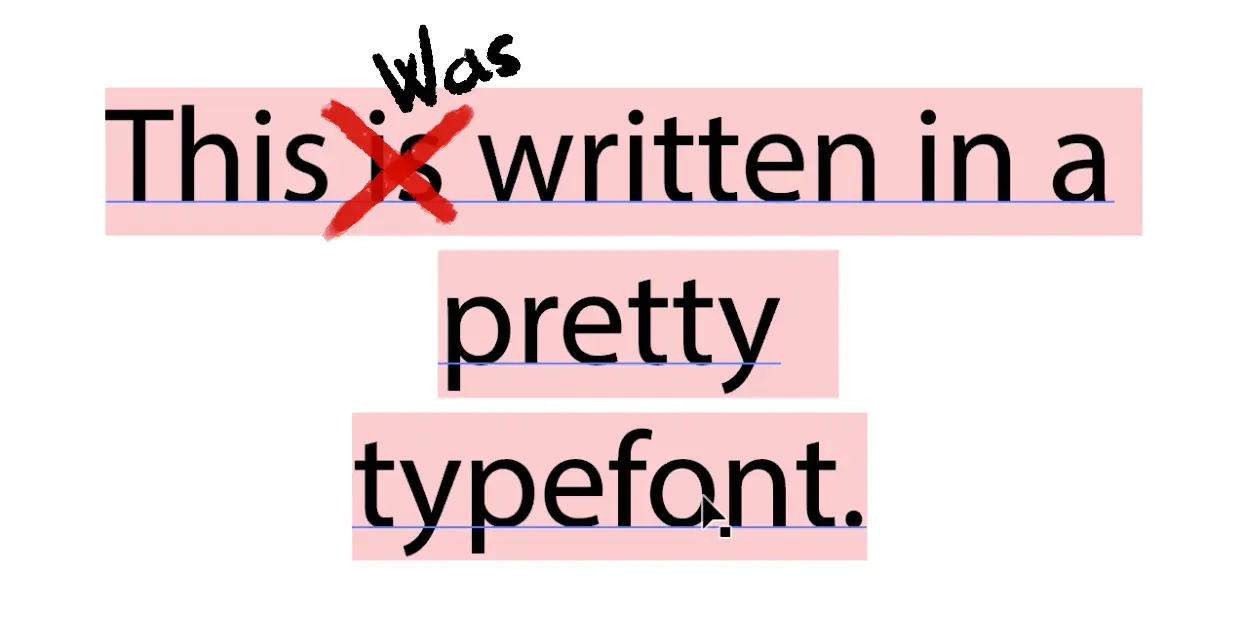
A common problem with preparing artwork files. Is that the custom font used in the artwork is not available on another computer, which causes Adobe Illustrator to replace the font with a standard font. When you send the files over to the Boda Games graphics department, there is a chance that your custom font is not installed on our systems. When Adobe Illustrator opens a file with a font not available in Adobe Illustrator, it will substitute the font with a standard font.
Solution: curving text / outlining text
The solution to this is to curve the text, also known as outlining the text, before you save the file. In order to outline the text, first open the file in Adobe Illustrator. Then, select the text with the selection tool. Next, you navigate to the Type menu and select create outlines. Now, when you select a letter of the text, you can see that each letter is selectable individually. Finally, save the file as a .PDF. It is now ready to be submitted and will print in the same way it was designed.
Watch this tutorial on the Boda Games Youtube Channel:
Latest posts

September 15, 2026
SPIEL Essen 2026 is just around the corner, and we’re excited to be taking part once again! Taking place [...]
September 15, 2026
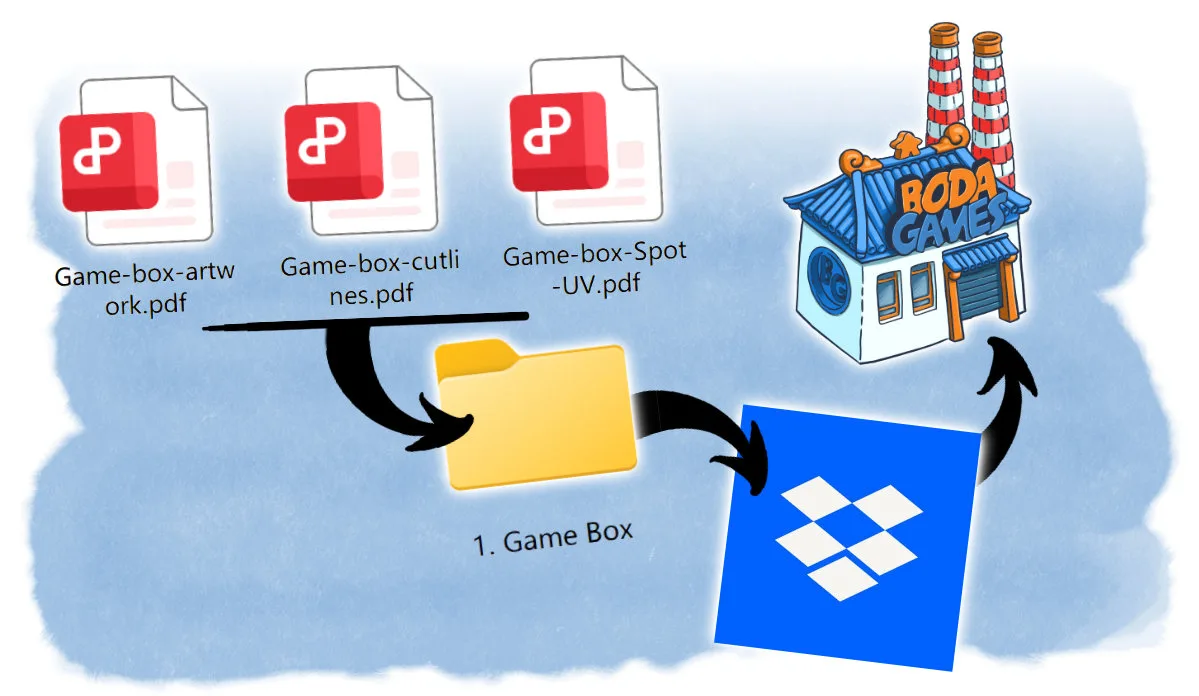
Submitting artwork is one of the most important handover points in a board game manufacturing project. By this stage, the [...]

July 21, 2026
Soon it will be time for the biggest board game convention in the United States, Gencon! If you’re attending [...]




 Request a quote